Phone and remote access
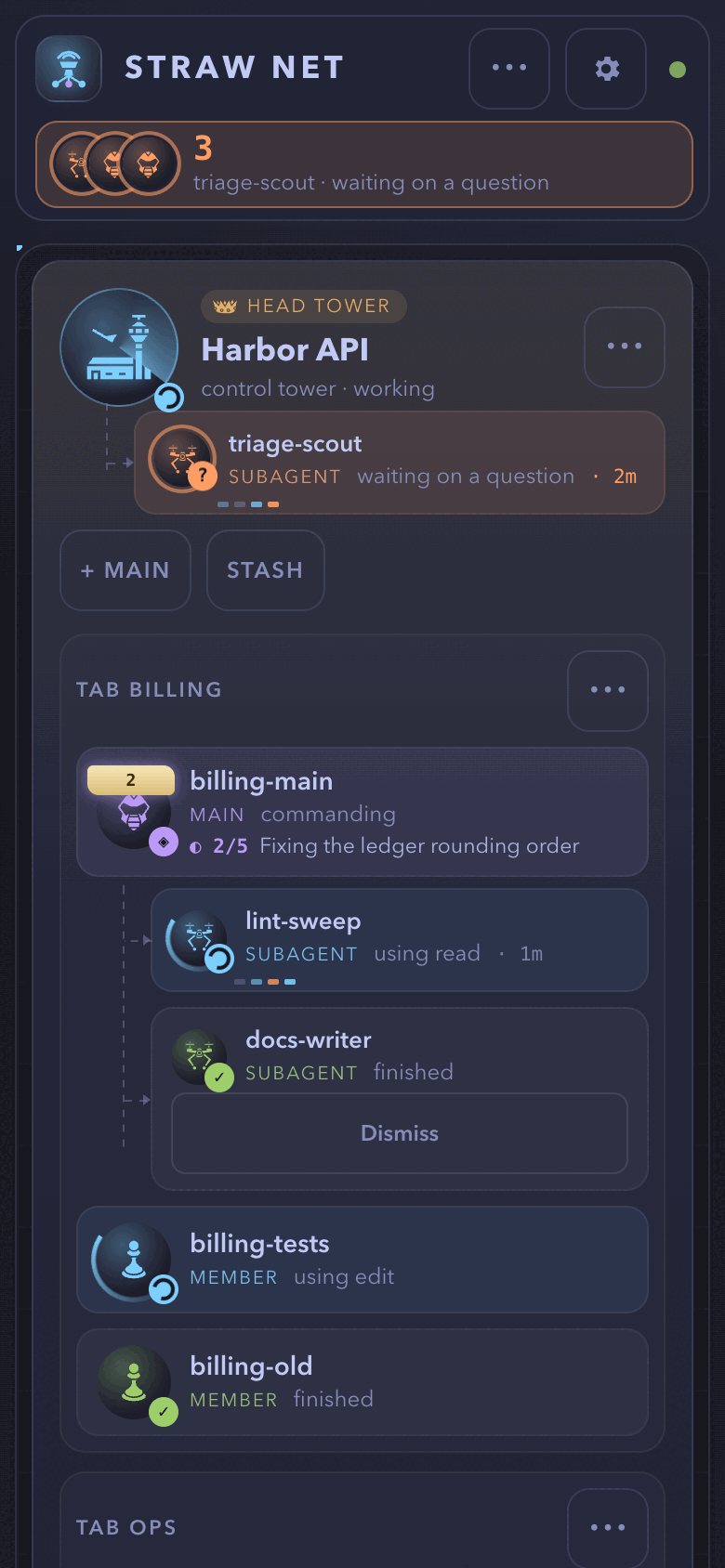
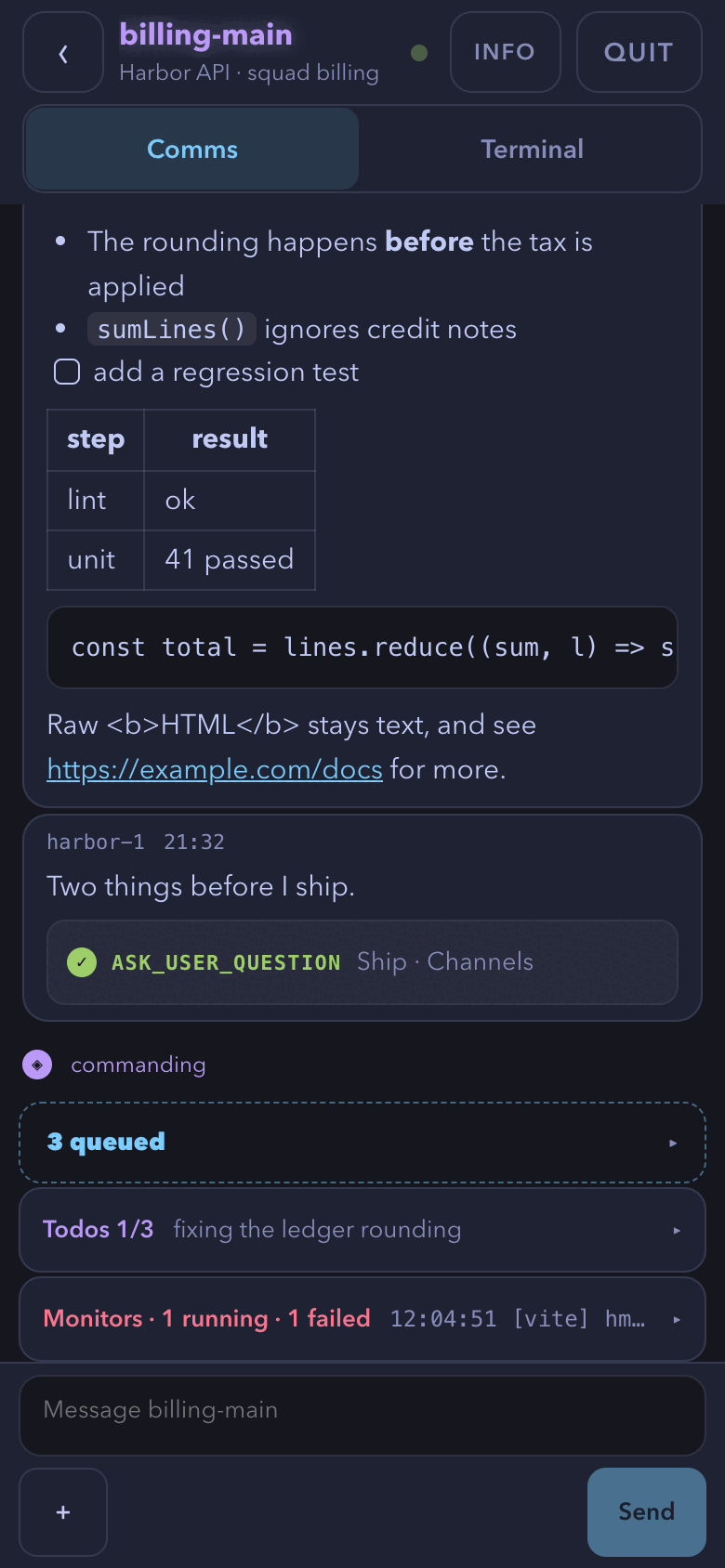
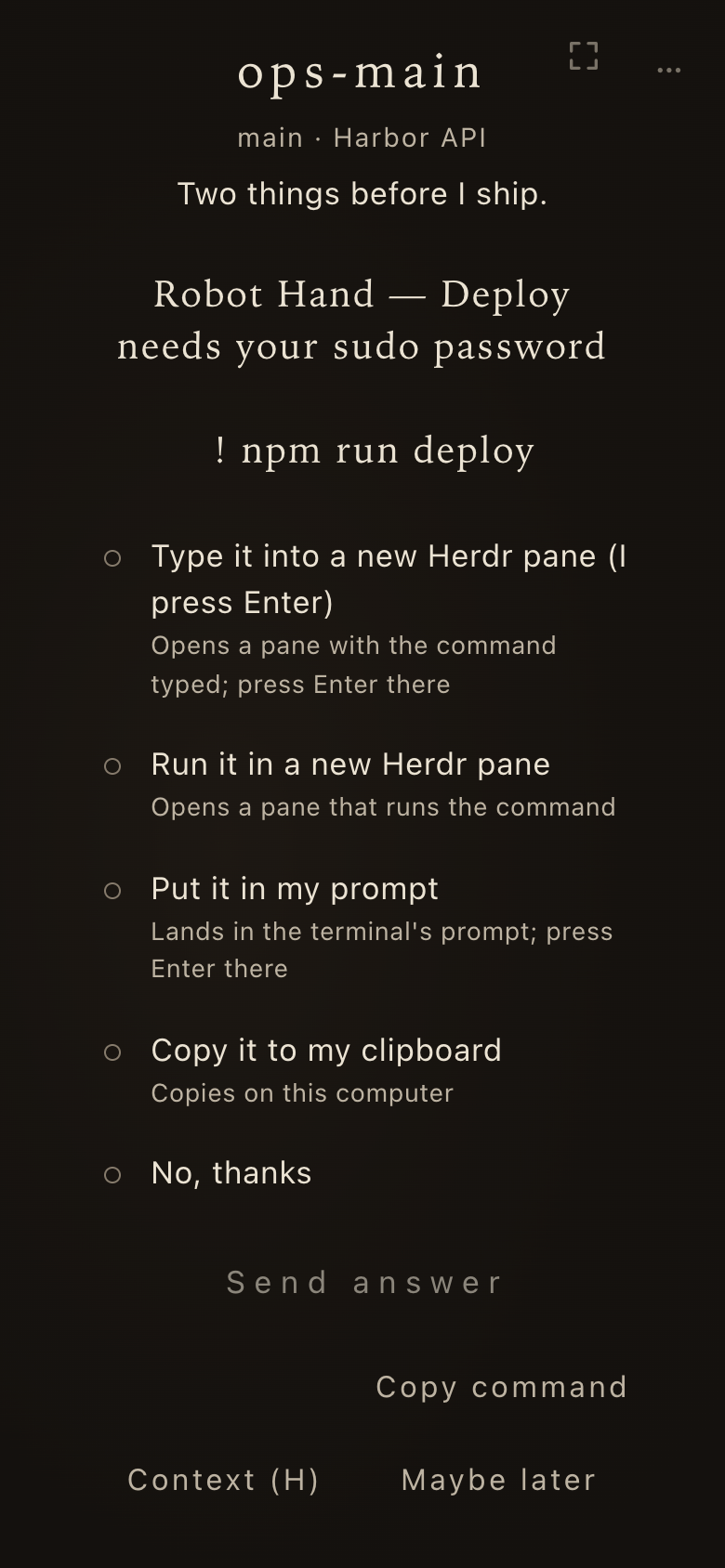
The browser view works on a phone: the map, a unit’s comms, alerts, and Zen fit a narrow screen, and a phone answers what agents wait on as the desktop does. A phone reaches the page in one of two ways.
Over your tailnet
Section titled “Over your tailnet”/boss gui remote serves the page on your tailnet with tailscale serve, never Funnel.
Pair a phone by scanning the QR code it prints.
Remote access stays on across a restart until /boss gui remote off.
Install it as an app.
The page installs as an app (Add to Home Screen, or Chrome’s Install) with the entry https://<this machine>.<tailnet>.ts.net:8443/sb-app/.
Opened without a pairing (after a new token, or on iOS, where the app keeps cookies of its own), the app asks for the pairing code that /boss gui remote prints under the QR code.
The code is 8 characters, works once within ten minutes, and is void after five wrong tries.
On the same Wi-Fi
Section titled “On the same Wi-Fi”/boss gui lan reaches the page from a phone on the same Wi-Fi, without Tailscale.
It is off until you turn it on.
This computer makes its own certificate, after showing you the risk.
- Each phone installs the certificate once.
- It pairs by QR code or typed code.
- You allow each new phone on this computer by typing the number it shows.
/boss gui lan off turns it off; paired phones stay paired.
/boss gui lan reset makes a new certificate and asks what to do with the pairings; either way each phone removes the old certificate and installs the new one:
| Choice | When |
|---|---|
| Keep the pairings | The old certificate is ending, or the computer was renamed |
| Unpair every Wi-Fi device | The key or a phone may have been stolen |
Pairing and the token
Section titled “Pairing and the token”The page’s address carries a random token.
The token is kept across a restart, an upgrade, a crash, and a reboot, so a page left open reconnects by itself and a phone stays paired (for 90 days from its last use).
A new token comes only from /boss gui rotate, a missing or corrupt gui-secrets.json, or a port that was taken at the next start; every phone then pairs again.
Keeping the token has a cost: another account on this computer that binds the port during a crash or restart gap sees what an open page sends. Rotate after a gap you do not trust.
/boss gui deviceslists the paired phones;/boss gui unpair <id|all>unpairs them.- The settings page’s Phone & devices section does the same.
What a phone may not do
Section titled “What a phone may not do”A paired phone answers questions, writes to sessions, and opens, quits, stashes, and pops units.
Some choices belong to this computer’s own page only: allowing a new phone, deciding a Straw Link join request, /boss gui rotate, and every secret.
See Remote access for the rules.